
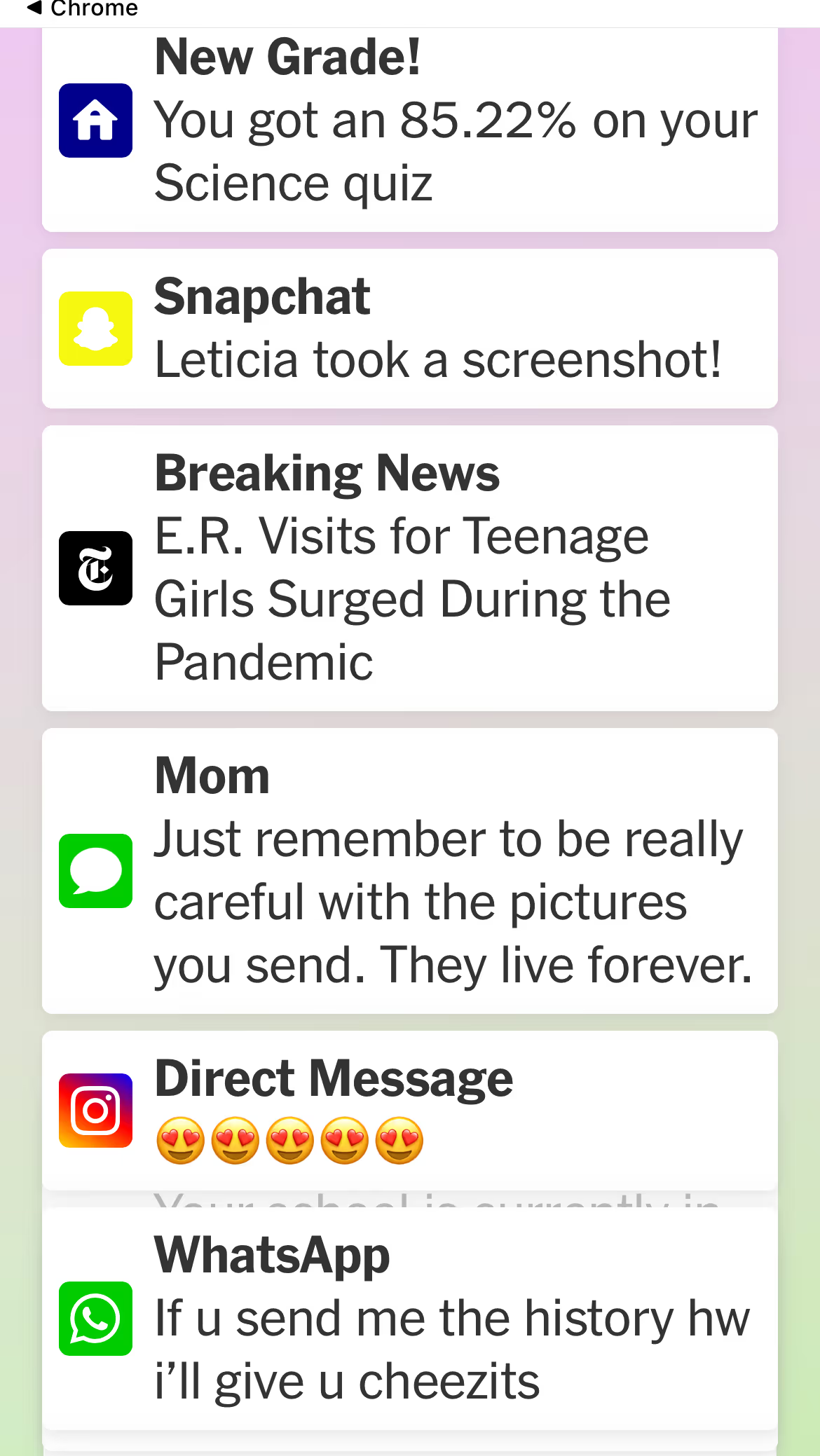
In the New York Times this last week, there was an article about social media and teens. The article's brilliant graphic captured our young people's digital and emotional reality. The image is all the notifications on their phones, laptops, tablets, etc.
There is stress that comes with so many things flying at them. In my movie, Screenagers Next Chapter: Mental Health in the Digital Age, one teen says,
”I'll send streaks at 8 AM. I'll put my phone down, I'll go eat breakfast, I'll shower. I'll do whatever. I come back at 8:45. I'll have like 17 different Snaps from people. And then I'll have people asking me about homework. Just the sheer amount of things that you have to check up on and make sure you're not ignoring them. They know you're not ignoring them. It's a lot.”
In response to this and other phone-based stressors, it’s exciting that more and more schools are adopting Away For The Day!
What can we do as adults in our youth lives? Today, I offer a story you can share with them that brings up fruitful discussion points to grapple with together. In addition, if this story inspires you to tweak your own phone (tablet, etc. ) screen notification settings, tell your kids ( students, athletes, etc.) about it. In this way, you will be MODELING to them the act of doing an assessment/intervention to decrease tech dictating you vs. the other way around.


Learn more about showing our movies in your school or community!
Join Screenagers filmmaker Delaney Ruston MD for our latest Podcast

Learn more about our Screen-Free Sleep campaign at the website!
Our movie made for parents and educators of younger kids
Learn more about showing our movies in your school or community!
Know oneself. There is one area I know about myself well: If I get a text alert, I want to check it. And it causes a distinct itch under my skin until I do so.
Therefore, I have my phone set only to notify me of texts.
I had a new realization this weekend. I went on my monthly solo hike in the mountains near Seattle (truth be told, it is only my third month doing so, and thus, I am far from earning any Eagle Scout Badge any time soon).
I got a text while hiking with my phone (which I brought primarily for the trail map and GPS). The text was from someone asking me to donate money. A short time later, I got another text, and this time, it was someone asking me to do something for a political candidate.
The first thing that went through my head is that there has been serious speculation that spam is indeed on the rise, given the ease with which these new large language AI models can so easily generate content.
The second thing that went through my head was, “Wait, Delaney, this is ridiculous. Turn off your text notifications altogether while you are hiking.” I did so and immediately felt a strong sense of relief.
As I continued to hike, I thought about why I had notifications for texts anyway. What if I make it a point when I take a break from work to check my texts? Not only will I not get interrupted, but it will be at a time when I can respond more thoughtfully.
So, I have since kept my notifications off.
I realize that not having the notification on means I can be tempted to pick up my phone MORE OFTEN to see if there is a new text. I was doing this the other afternoon and realized I would need to be very conscious to avoid getting into this trap.
As an aside, my phone ringer is usually on, so family and such can reach me unless I am seeing patients. In this case, I will see the missed call and respond later.
Learn more about showing our movies in your school or community!
Join Screenagers filmmaker Delaney Ruston MD for our latest Podcast
Learn more about our Screen-Free Sleep campaign at the website!
Our movie made for parents and educators of younger kids
Join Screenagers filmmaker Delaney Ruston MD for our latest Podcast
Since I only got notifications from my texts, I could easily go into my iPhone settings and turn that notification off.
Some people have notifications from many sources and find it easier to put on Do Not Disturb. Let me explain how:
For people with iPhones, one can go into Settings:
(For people with Android phones the process is very similar, but can vary depending on which phone and software version you have. Here is Google’s own guidance on this.)
Ideally, if students are allowed access to their phones at school, their Do Not Disturb function should be on for school hours.
For all the years I have had a smartphone, the best move I have made is not having notifications other than texts. I highly recommend it. Now, I know myself better and will try to allow text notifications rarely. We are all evolving. We are all trying to know ourselves better.
Talking with youth about our thoughts about our relationship with notifications will benefit them. It’s not about modeling perfectionism. It’s about modeling how you think about the situation and ways you are trying to improve it. We’re modeling problem-solving!

As we’re about to celebrate 10 years of Screenagers, we want to hear what’s been most helpful and what you’d like to see next.
Please click here to share your thoughts with us in our community survey. It only takes 5–10 minutes, and everyone who completes it will be entered to win one of five $50 Amazon vouchers.
In the New York Times this last week, there was an article about social media and teens. The article's brilliant graphic captured our young people's digital and emotional reality. The image is all the notifications on their phones, laptops, tablets, etc.
There is stress that comes with so many things flying at them. In my movie, Screenagers Next Chapter: Mental Health in the Digital Age, one teen says,
”I'll send streaks at 8 AM. I'll put my phone down, I'll go eat breakfast, I'll shower. I'll do whatever. I come back at 8:45. I'll have like 17 different Snaps from people. And then I'll have people asking me about homework. Just the sheer amount of things that you have to check up on and make sure you're not ignoring them. They know you're not ignoring them. It's a lot.”
In response to this and other phone-based stressors, it’s exciting that more and more schools are adopting Away For The Day!
What can we do as adults in our youth lives? Today, I offer a story you can share with them that brings up fruitful discussion points to grapple with together. In addition, if this story inspires you to tweak your own phone (tablet, etc. ) screen notification settings, tell your kids ( students, athletes, etc.) about it. In this way, you will be MODELING to them the act of doing an assessment/intervention to decrease tech dictating you vs. the other way around.
Know oneself. There is one area I know about myself well: If I get a text alert, I want to check it. And it causes a distinct itch under my skin until I do so.
Therefore, I have my phone set only to notify me of texts.
I had a new realization this weekend. I went on my monthly solo hike in the mountains near Seattle (truth be told, it is only my third month doing so, and thus, I am far from earning any Eagle Scout Badge any time soon).
I got a text while hiking with my phone (which I brought primarily for the trail map and GPS). The text was from someone asking me to donate money. A short time later, I got another text, and this time, it was someone asking me to do something for a political candidate.
The first thing that went through my head is that there has been serious speculation that spam is indeed on the rise, given the ease with which these new large language AI models can so easily generate content.
The second thing that went through my head was, “Wait, Delaney, this is ridiculous. Turn off your text notifications altogether while you are hiking.” I did so and immediately felt a strong sense of relief.
As I continued to hike, I thought about why I had notifications for texts anyway. What if I make it a point when I take a break from work to check my texts? Not only will I not get interrupted, but it will be at a time when I can respond more thoughtfully.
So, I have since kept my notifications off.
I realize that not having the notification on means I can be tempted to pick up my phone MORE OFTEN to see if there is a new text. I was doing this the other afternoon and realized I would need to be very conscious to avoid getting into this trap.
As an aside, my phone ringer is usually on, so family and such can reach me unless I am seeing patients. In this case, I will see the missed call and respond later.
Since I only got notifications from my texts, I could easily go into my iPhone settings and turn that notification off.
Some people have notifications from many sources and find it easier to put on Do Not Disturb. Let me explain how:
For people with iPhones, one can go into Settings:
(For people with Android phones the process is very similar, but can vary depending on which phone and software version you have. Here is Google’s own guidance on this.)
Ideally, if students are allowed access to their phones at school, their Do Not Disturb function should be on for school hours.
For all the years I have had a smartphone, the best move I have made is not having notifications other than texts. I highly recommend it. Now, I know myself better and will try to allow text notifications rarely. We are all evolving. We are all trying to know ourselves better.
Talking with youth about our thoughts about our relationship with notifications will benefit them. It’s not about modeling perfectionism. It’s about modeling how you think about the situation and ways you are trying to improve it. We’re modeling problem-solving!
Sign up here to receive the weekly Tech Talk Tuesdays newsletter from Screenagers filmmaker Delaney Ruston MD.
We respect your privacy.
In the New York Times this last week, there was an article about social media and teens. The article's brilliant graphic captured our young people's digital and emotional reality. The image is all the notifications on their phones, laptops, tablets, etc.
There is stress that comes with so many things flying at them. In my movie, Screenagers Next Chapter: Mental Health in the Digital Age, one teen says,
”I'll send streaks at 8 AM. I'll put my phone down, I'll go eat breakfast, I'll shower. I'll do whatever. I come back at 8:45. I'll have like 17 different Snaps from people. And then I'll have people asking me about homework. Just the sheer amount of things that you have to check up on and make sure you're not ignoring them. They know you're not ignoring them. It's a lot.”
In response to this and other phone-based stressors, it’s exciting that more and more schools are adopting Away For The Day!
What can we do as adults in our youth lives? Today, I offer a story you can share with them that brings up fruitful discussion points to grapple with together. In addition, if this story inspires you to tweak your own phone (tablet, etc. ) screen notification settings, tell your kids ( students, athletes, etc.) about it. In this way, you will be MODELING to them the act of doing an assessment/intervention to decrease tech dictating you vs. the other way around.
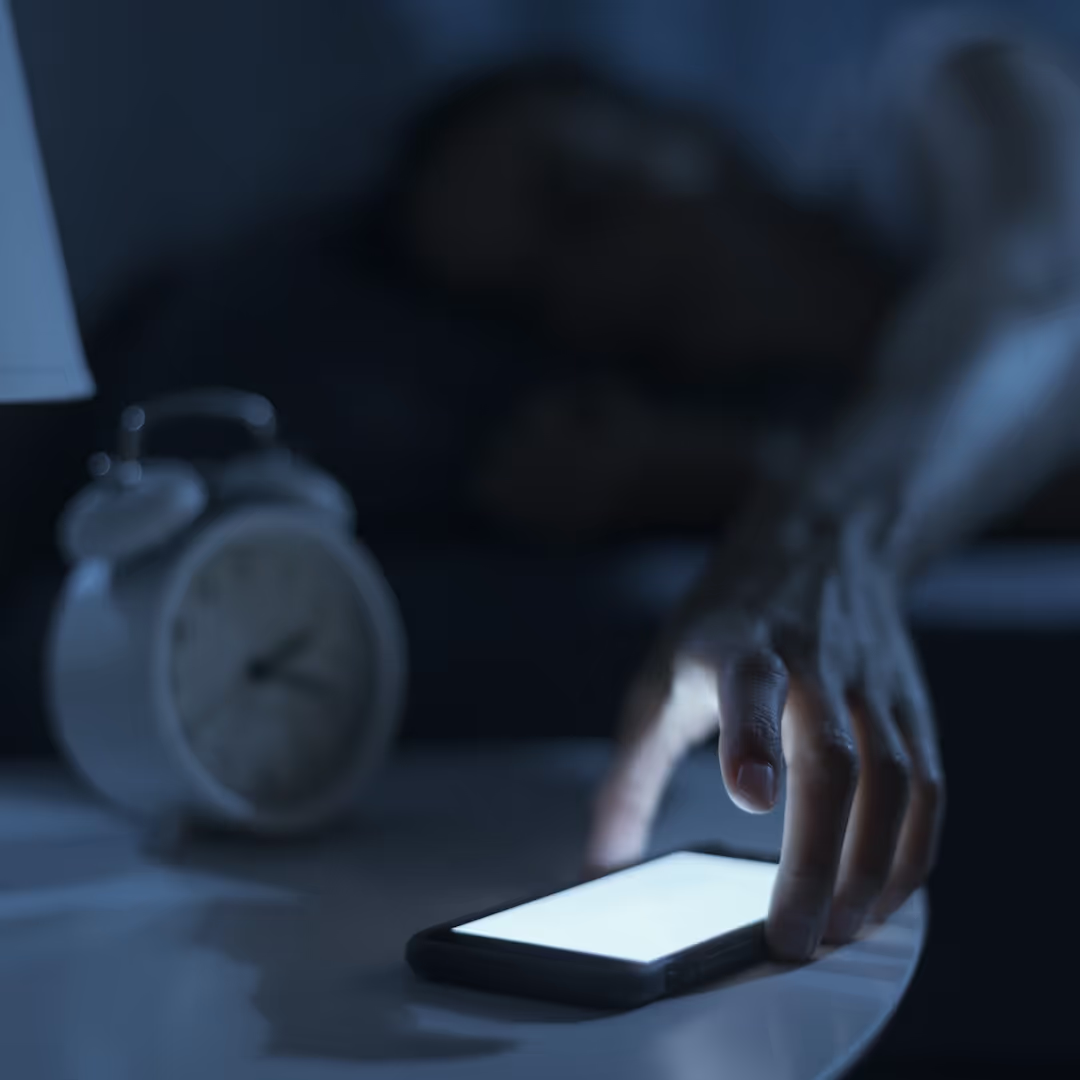
Many adults keep their phones by the bed — it feels harmless, even necessary. But what if that habit is quietly affecting our sleep and the example we set for our kids? In this week’s blog, Dr. Ruston shares two key things every parent should know about sleeping next to a phone, and how small nighttime tech changes can make a big difference for the whole family.
READ MORE >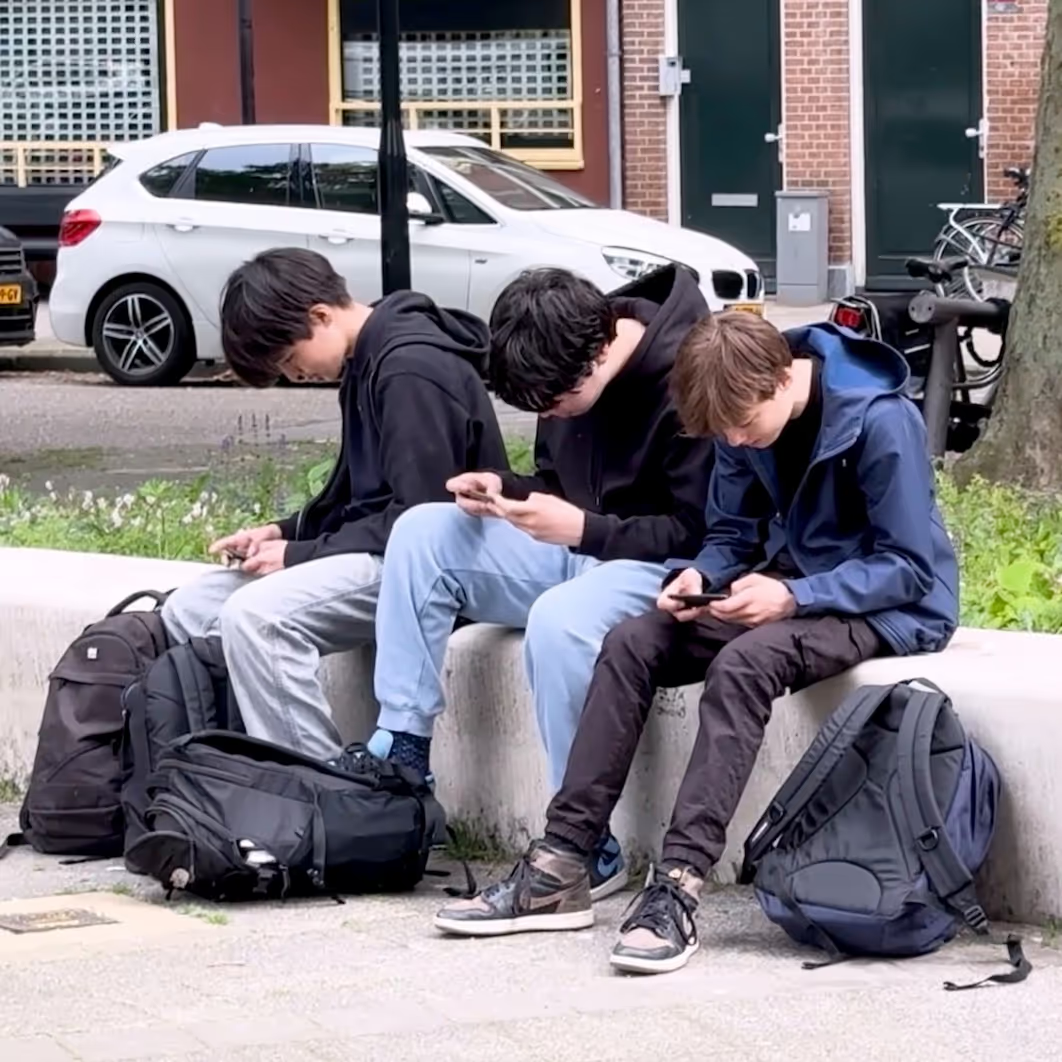
From Call of Duty and Grand Theft Auto to violence and gunfire in movies and shows, aggression is a constant backdrop in boys’ media diets. And with various influencers and online personalities framing success through the lens of strength, competition, dominance and winning, boys are being handed a narrow script for masculinity. As parents, one of the most important things we can do is offer a counterweight. We can help boys strengthen empathy, compassion, and respect as core traits of masculinity, so they have a broader, healthier vision of who they can become.
READ MORE >
Last week we introduced you to our Screen-Free Sleep campaign! Since then, we’ve been flooded with emails and calls, and most are asking the same question: How can we get this spreading in our school? Today’s blog has the answers.
READ MORE >for more like this, DR. DELANEY RUSTON'S NEW BOOK, PARENTING IN THE SCREEN AGE, IS THE DEFINITIVE GUIDE FOR TODAY’S PARENTS. WITH INSIGHTS ON SCREEN TIME FROM RESEARCHERS, INPUT FROM KIDS & TEENS, THIS BOOK IS PACKED WITH SOLUTIONS FOR HOW TO START AND SUSTAIN PRODUCTIVE FAMILY TALKS ABOUT TECHNOLOGY AND IT’S IMPACT ON OUR MENTAL WELLBEING.